Gate Automation in the Algarve
Open your gate from your phone — no one waiting at the intercom.
Motorised gates and barriers that open from the car, the keypad or your phone.
Coming soonContact details coming soon
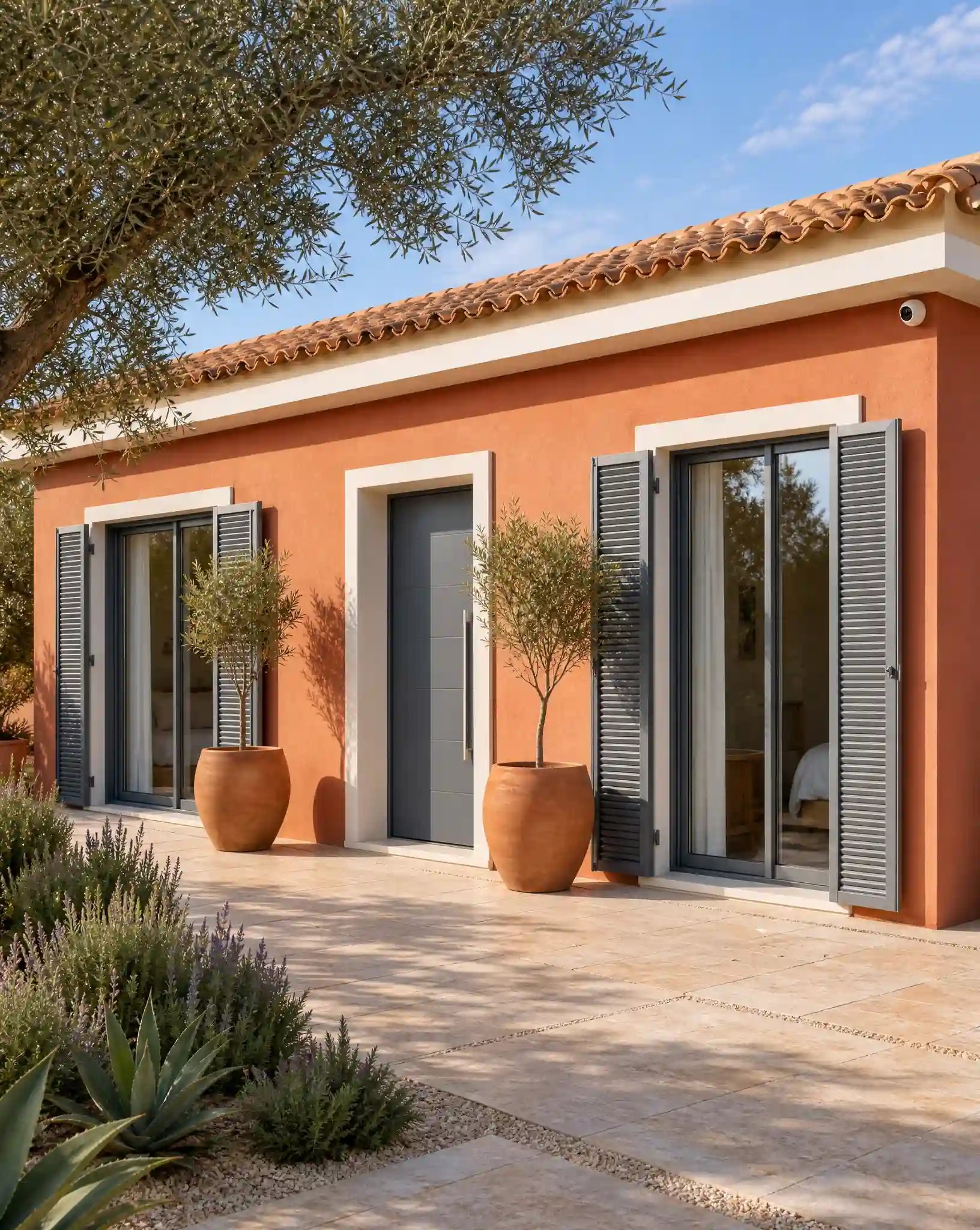
What our Gate Automation service covers
A gate that opens smoothly and reliably is often the first thing that makes a property feel secure — and the first thing that frustrates an owner when it doesn’t.
- Automation for swing gates, sliding gates and barriers
- Remote controls and keypad entry
- App-based opening for guests and family
- Security doors and sectional gates for residential, commercial and industrial entrances
- Integration with intercom and access control systems
- Backup power available, so gates can keep working through a power interruption


Built for owners who aren't always on-site
Automating a driveway gate adds a layer of security while making everyday access easier for family, guests and visiting contractors — no more getting out of the car in the rain to open a manual gate by hand.
Coming soonHow gate automation actually works
Sliding, Swing or Barrier — What the Site Actually Decides
The type of gate a property ends up with is usually decided by the site rather than preference. A narrow driveway with a wall close to one side often can't accommodate a swing gate's arc and works better with a sliding gate instead; a wide, flat entrance has more flexibility either way; and shared or commercial entrances handling frequent vehicle movement are often better served by a barrier than a full gate. Automating an existing gate is possible in many cases without replacing it outright, provided the gate itself is in good enough condition to take a motor.
What Happens When the Power Goes Out
A motorised gate that only works with mains power becomes a real inconvenience during a power cut, which is a genuine consideration in areas prone to interruptions. Backup power can be added specifically so the gate keeps working through a short outage rather than leaving a car stuck on the wrong side of it, and the same backup can extend to whatever access control or intercom is tied into the same entrance.
Automating an Existing Gate Versus Starting From Scratch
Most enquiries aren't about a bare driveway — they're about a gate that's already there and either isn't automated at all, or was automated years ago by whoever built the property and has since stopped working properly. The starting point is always an honest look at the gate itself: whether the frame is straight, whether it drags or binds anywhere along its travel, and whether the hinges or track are in good enough condition to take a motor without it working against the gate's own resistance. A structurally sound gate is usually more efficient to automate as-is than to replace, since the cost difference comes from the motor and controls rather than the gate itself — but a gate that's already warped or dragging often needs that fixed first, otherwise the motor spends its life fighting a problem automation didn't cause and won't solve on its own.
Where gate automation actually gets used
Daily Driveway Access
Opening a gate without getting out of the car — useful every day, and particularly useful in the rain or arriving with shopping or luggage.
Guest and Family Access
App-based or remote-control opening means family and regular guests can be given a way to open the gate themselves, without a shared physical key.
Gated Villa Combined With Access Control
A motorised gate paired with an intercom or reader means a visitor can be seen and let in without anyone walking down the driveway.
Commercial or Shared Entrance
Sectional gates and security doors suit commercial premises or shared development entrances that need something more robust than a standard domestic gate.
What owners actually call about
The specific issues that come up most, and what's usually behind them.
“Remote stopped working, but the gate still opens fine from the keypad”
Usually a flat battery in the remote itself, or it's lost sync with the receiver — rarely a fault with the motor. Try a spare or a battery swap before assuming the whole system needs attention.
“Lost the only gate remote or fob, and no spare was ever set up”
A new remote or fob can be programmed to the existing receiver without replacing any of the gate hardware — have at least one spare made once a replacement is issued, so this doesn't happen twice.
“Gate has become slow, jerky, or stops partway through opening”
Usually a motor straining against a gate that's swollen, warped, or dragging along the ground — a mechanical problem with the gate itself rather than the motor failing outright. Addressing the drag or alignment first is what actually fixes it long-term.
“Gate reverses direction as soon as it starts to close”
Safety sensors (photocells) detecting an obstruction — sometimes a real one, sometimes a false trigger from leaves, insects, or the sensors drifting slightly out of alignment over time as gate posts settle.
“Old manual gate is structurally solid, but the owner isn't sure it can be automated rather than replaced”
Most existing gates can take a motor as-is, provided the gate itself is in good enough structural condition — automating what's already there is usually more straightforward than starting from a blank driveway.
“Gate stopped working entirely after a storm or a power cut”
Check backup power or battery status first — a gate without backup simply won't move until mains power returns, which can look like a fault when it's actually just waiting on electricity.
“App shows the gate as closed, but it's visibly standing open”
Usually a position sensor that's been knocked out of calibration — common after the gate takes a knock from a vehicle or a strong gust catches it. Recalibrating the sensor resolves the mismatch between what the app reports and what's actually happening.
“New housekeeper or contractor needs their own way in, not a shared code everyone uses”
A separate code or credential can be issued specifically for them, tied into the same access control setup as the gate, rather than handing out the one code everyone else already has.
“Gate opens fine but makes a loud grinding or straining noise doing it”
An early sign of mechanical wear — have it looked at before it fails completely — a noise that's new or getting louder is a useful early warning rather than something to wait out.
How this applies to your property
The same service, sized differently depending on what you own.
Villa
A motorised swing or sliding gate at the driveway entrance, with remote, keypad or app control.
Apartment / Condominium
Gate automation typically applies to a development’s shared vehicle or pedestrian entrance rather than an individual unit.
Gated Community
Barriers and automated gates manage vehicle access at the development’s entrances, often paired with access control for residents and visitors.
Commercial / Industrial
Security doors and sectional gates suit business premises needing a more robust entrance than a standard domestic gate.
Gate Automation, done properly
Gate & Barrier Automation
Swing gates, sliding gates and barriers are motorised and connected to remote controls, keypads or an app, so opening the driveway doesn’t mean getting out of the car.
Security Doors
Security doors come up most often for ground-floor entrances and commercial premises where a standard door is the obvious weak point. The door, frame and locking have to work as one unit — a heavy door in a weak frame achieves little — which is why they go in as complete assemblies rather than being swapped leaf-for-leaf.
Sectional Gates
Sectional gates open vertically in guided panels rather than swinging or sliding, which suits garages and entrances with no room for a gate's travel — the driveway stays usable right up to the door. Most common on garages, loading entrances and commercial units.
Backup Power
Backup power can be added to gate and access systems, so a power cut doesn’t mean being locked in or out.
A gate that stops halfway needs a whole-system assessment
When an automatic gate stops before completing its movement, the motor is only one possible part of the problem. Gate movement, hinges or rollers, obstruction detection, safety devices, controls and power all affect operation. A gate that drags or has shifted out of alignment should not simply be given more driving force. Understanding whether the problem is mechanical, electrical or related to control settings is the first step toward a suitable repair.
Record what happens without repeatedly forcing a faulty gate to run: does it stop in the same position, reverse, fail only in one direction or respond differently to the remote and local controls? Keep people and vehicles away from an unsafe movement area. Never bypass photocells or another safety device to make the gate continue operating. A technician needs to assess the installation and safety arrangements before deciding which repair is appropriate.
Automating an existing gate versus replacing equipment
An existing manual gate is not automatically ready for a motor. Its weight, dimensions, condition, supports and travel path need to suit the proposed arrangement. A sliding gate needs usable travel and support; a swing gate needs suitable movement space and geometry. The assessment should also consider everyday pedestrian use, vehicle turning space and how the entrance will be used when automatic operation is unavailable.
For a driveway in Loulé or a villa entrance in Carvoeiro, the scope may include mechanical work, new power or control wiring as well as automation equipment. Those items should be clear in the proposal. If existing motors are retained, their condition and compatibility with new controls must be checked. Replacing a remote receiver is a different job from redesigning the gate’s automation and safety system.
Remote controls, keypads and video entry
A remote control that no longer opens the gate does not prove the motor has failed. It may be a problem with the remote, receiver, power or the wider control system. Comparing authorised local operation with remote operation can help a professional narrow down the fault. Keep the model information and describe which controls still work rather than buying a replacement handset solely because it looks similar.
A keypad or video intercom can make visitor entry more practical where the selected gate controls support it. The plan should explain who can open the gate, whether temporary users can be removed and how visitors are identified. If a phone-based control is proposed, confirm its connection and subscription requirements. Adding an app does not remove the need to consider the movement area, safety devices and the operator’s ability to use the gate safely.
Power cuts, weather and exposed entrances
An outdoor entrance is exposed to conditions that indoor control equipment does not face. Water entry, debris, corrosion and mechanical wear should be considered during assessment and maintenance. An appropriate enclosure or component rating is only part of the solution: cable entries, mounting and the condition of the surrounding installation matter too. Repeated weather-related faults should be investigated rather than treated as a normal reason to reset the system.
A property in Sagres or another exposed location may need particular attention to installation conditions, but the actual site should determine the specification. Backup power, where supported, has limits and does not guarantee indefinite operation. Owners should receive the manufacturer-approved manual-operation procedure and understand who can use it. Do not attempt to release a gate that could move unexpectedly; safe access takes priority over restoring automatic operation quickly.
What belongs in a gate installation scope
A useful scope separates gate fabrication or mechanical repairs, automation equipment, safety components, cabling, controls and commissioning. It should identify what is retained from the existing installation and what needs further assessment. Where the entrance also includes CCTV coverage, cameras may help an authorised user see the area, but they are not a substitute for suitable gate safety measures. Work on shared entrances also needs the appropriate permissions and coordination.
At handover, the owner should understand normal use, fault indications, manual operation where safe, maintenance requirements and how authorised controls are managed. Keep a record of equipment and any inspection or testing supplied. If a gate later becomes noisy, jerky or unreliable, arrange assessment rather than waiting for it to stop completely. A repair proposal should explain the observed problem and proposed remedy without promising that one new component will resolve every possible cause. Record recurring faults and any work completed so later maintenance starts with the installation’s actual history.
Frequently asked questions
Can an existing manual gate be automated?
Often, yes — automation can be added to a gate that’s already in place rather than needing a full replacement, depending on the gate’s condition and design.
What happens to the gate during a power cut?
Backup power can be added to gate and access systems, so a power interruption doesn’t mean being locked in or out.
How is the gate opened — remote, keypad, or app?
Any combination — remote controls, keypad entry and app-based opening can all be set up together, so different people can use whichever suits them.
Can the gate be linked to an intercom?
Yes — gate automation commonly integrates with intercom and access control systems, so a visitor can be seen, spoken to and let in from one setup.
Is gate automation only for large villas?
No — it applies just as well to a single villa gate as to a shared development entrance or commercial access point.
How much does gate automation cost?
It depends on the size and type of gate, and whether it’s a new installation or automating an existing one — get in touch with details of the gate and you’ll get a specific answer.
Can two different gates on the same property — say, a pedestrian gate and a vehicle gate — be controlled from the same remote or app?
Yes — multiple gates or barriers on one property can usually be brought under the same remote and app control, rather than needing a separate system for each.
Is there a limit to how many remotes or app users a single gate can have?
Yes, capacity is equipment-specific. Receivers, controllers and apps can have limits on stored remotes, accounts, roles or active subscriptions. Confirm the required user count and how lost credentials are revoked against the exact system before purchase.
Can a gate be set to close automatically after a set time, rather than needing to be closed manually every time?
Yes — an auto-close timer can be set so the gate shuts itself after a defined interval, useful for anyone who forgets to close it manually after driving through.
How long does backup battery keep the gate working during a power cut?
Depends on the battery and how often the gate is used during the outage — discussed as part of choosing backup power for the specific property.
Can different family members or guests each have their own remote instead of sharing one?
Yes — remotes and codes can be issued individually rather than everyone sharing a single one.
Can anything else be controlled from the same app as the gate?
A shared app may support other compatible devices, but the available functions depend on the controller, app and supported integrations. Confirm each proposed link and preserve safe local gate operation; never bypass safety functions to enable remote control.
Talk through your gate automation options
Contact details are coming soon. Service enquiries are not open yet.
Coming soonGate Automation across the Algarve
Across the West Algarve, gate automation is installed in Lagos, Praia da Luz, Sagres, Aljezur, Alvor, Portimão, Ferragudo, Lagoa, Carvoeiro, Silves and Monchique.
In the Central Algarve, that coverage runs through Albufeira, Vilamoura, Quarteira, Loulé and Almancil.
And along the East Algarve, it reaches Faro, Olhão, São Brás de Alportel, Tavira, Castro Marim and Vila Real de Santo António — the full stretch to the Spanish border.
More of what we install
CCTV Installation
Indoor and outdoor camera systems with remote viewing, planned around each property's actual entrances and blind spots.
Learn moreAlarm Systems
Intruder alarm systems with motion sensors, connected control panels and app-based alerts, for villas, apartments and holiday homes.
Learn moreAccess Control
Intelligent readers, electronic locks and video intercoms, so only the people you want on the property can get in.
Learn moreFire Detection
Optical smoke detectors and addressable fire panels, built for prevention, safety and a quick response.
Learn moreHome Networking
Structured cabling, network racks and backup power, built to support your cameras, alarms and access control reliably.
Learn moreSmart Home Automation
Connect supported devices without assuming every system shares one app.
Learn more